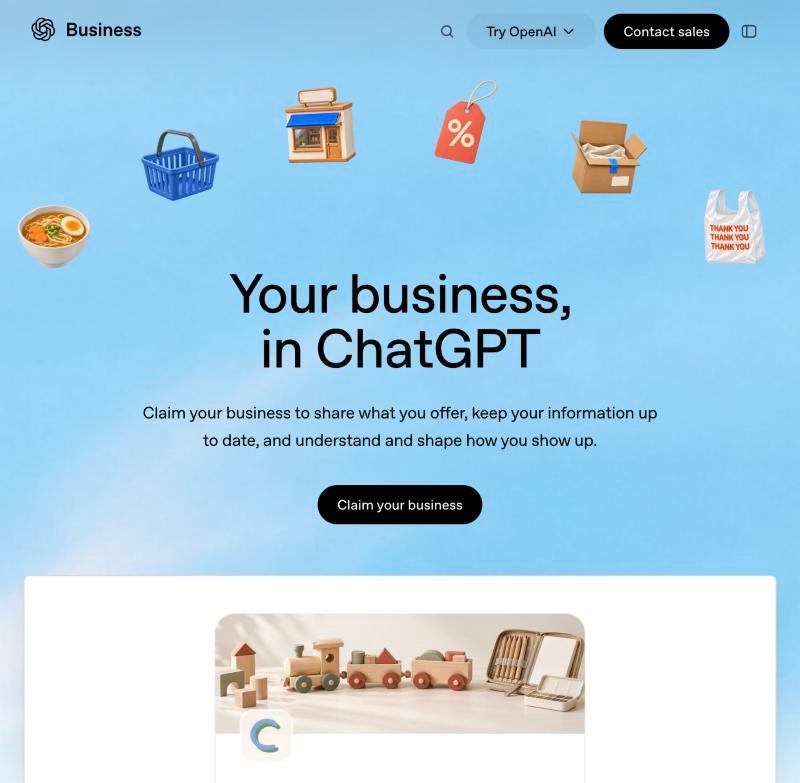
What is "Businesses in ChatGPT"?
Businesses in ChatGPT is an OpenAI feature, launched on 10 November 2026, that lets a business claim its listing inside ChatGPT. Once claimed, you can manage your business information and services, view aggregated insights into mentions and website clicks, and earn a verified business badge.
As more buyers ask ChatGPT for recommendations instead of searching Google, the information ChatGPT holds about your business starts to matter as much as your website. Claiming your business is how you make sure that information is accurate, current and in your control, rather than pieced together from the open web.
Why it matters for your business
Claiming puts you in control of how ChatGPT describes your business, gives you data on how often you are mentioned and clicked, and earns a verified badge that signals trust. It is the first, foundational step of showing up well in AI search.
| What you get | Why it matters |
|---|---|
| Manage your information | Set your services, website and details so ChatGPT describes you accurately, not from stale third-party data. |
| Aggregated insights | See how often your business is mentioned in ChatGPT and how many clicks reach your website. |
| Verified business badge | A trust signal that tells users and ChatGPT the listing is genuinely yours. |
| Accurate discovery | Help potential customers find correct information when they ask ChatGPT about your category. |
How to claim your business on ChatGPT, step by step
Open the ChatGPT Business Hub and sign in, add and search for your business, verify ownership by email, phone or website DNS, then complete Persona identity verification. OpenAI reviews the claim before it goes live.
-
Open ChatGPT Business Hub and sign in
Go to OpenAI's Businesses in ChatGPT page and select Claim your business. Sign in to your ChatGPT account and you land in the Business Hub, with a search box to find your business.
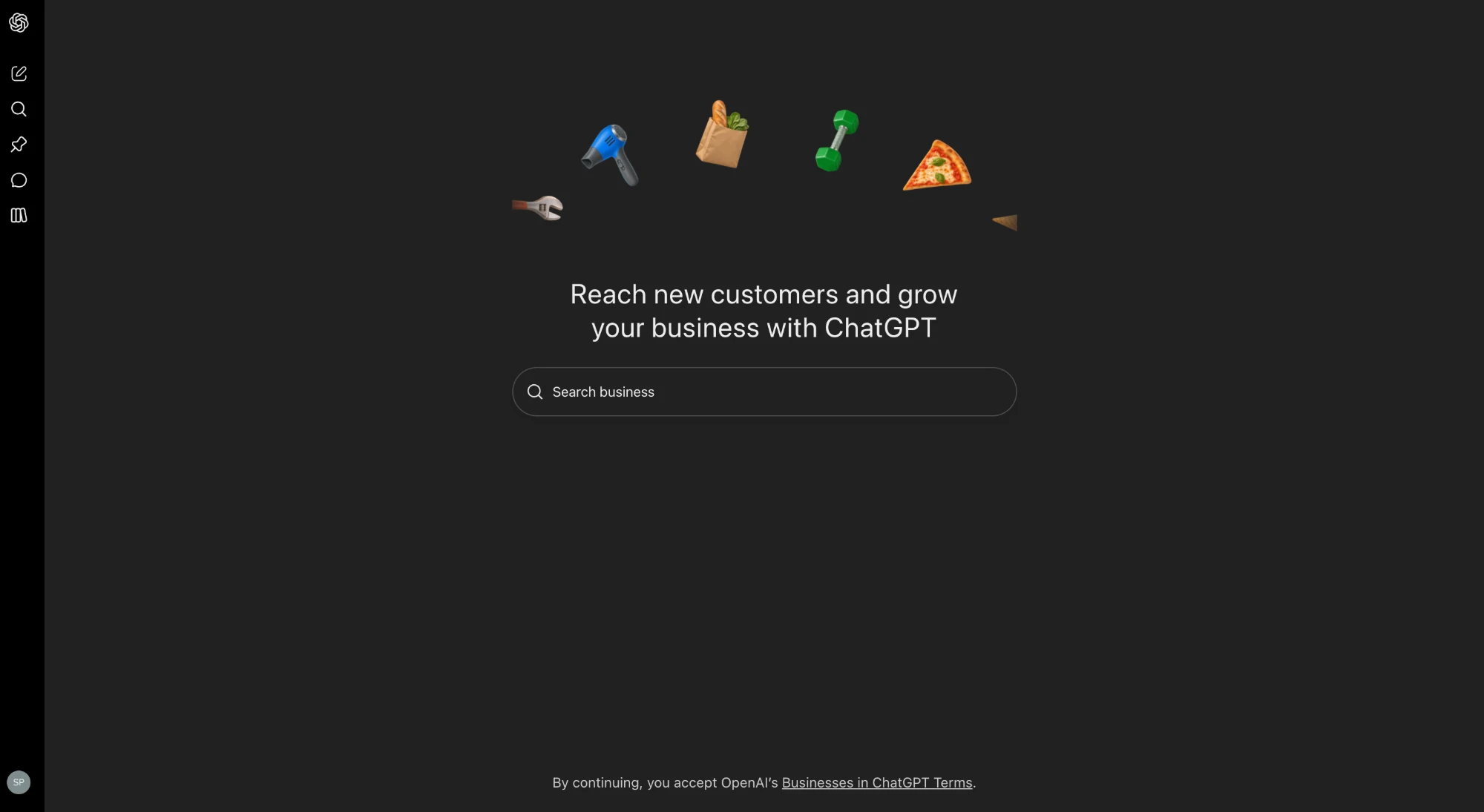
The ChatGPT Business Hub after signing in. Screenshot: Spacemen Digital. -
Search for and select your business
Type your business name into the search box. ChatGPT shows matching listings pulled from the open web, so pick yours, or choose Create if it is not listed yet.
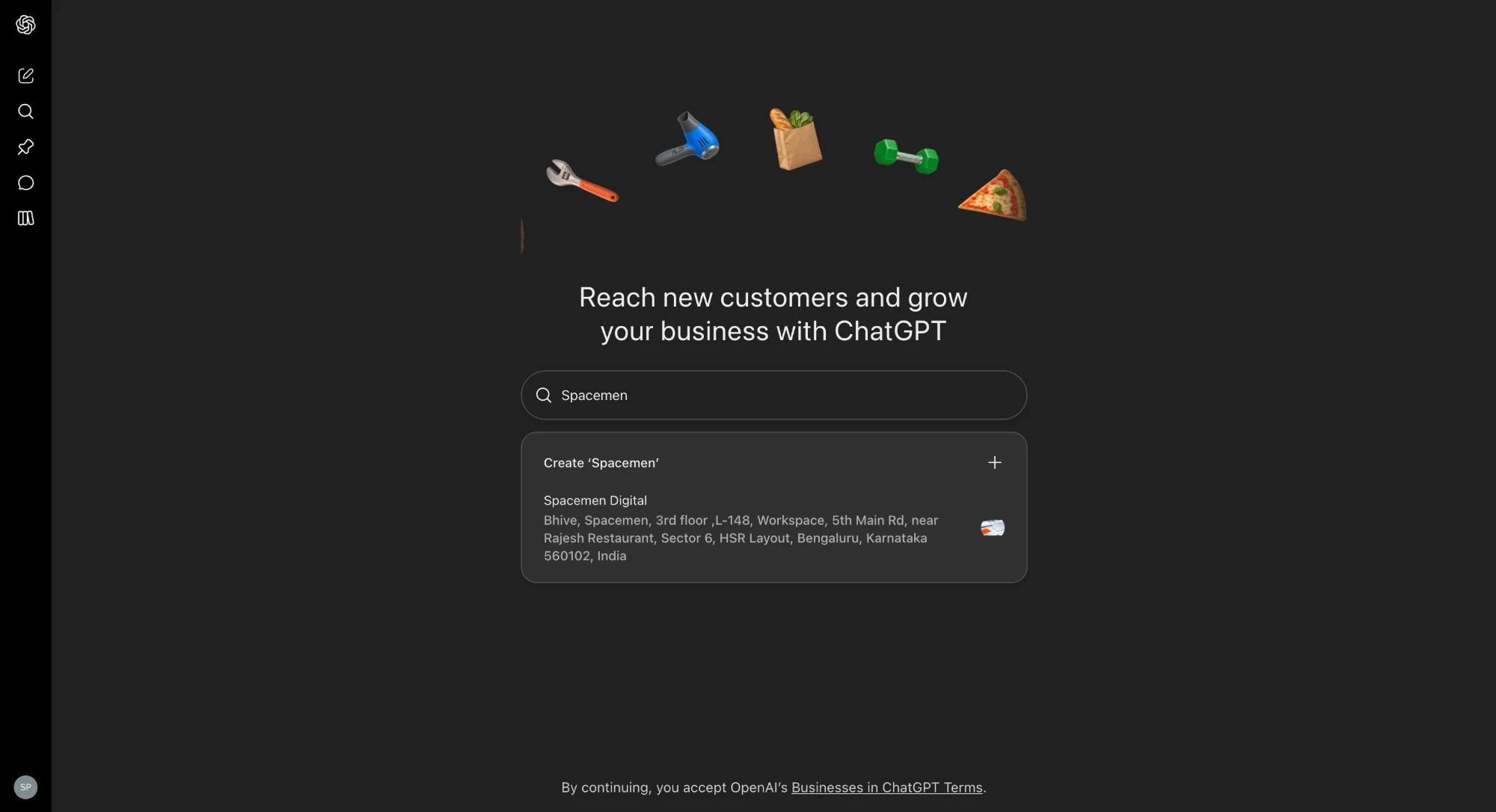
Searching for the business and selecting the matching listing. Screenshot: Spacemen Digital. -
Start the claim and verify ownership
On the claim screen you confirm you are authorised to represent the business, then select Get started. You verify ownership with a business email, phone, or website DNS record, use the strongest method you control, DNS is usually the most robust. OpenAI then reviews the claim.
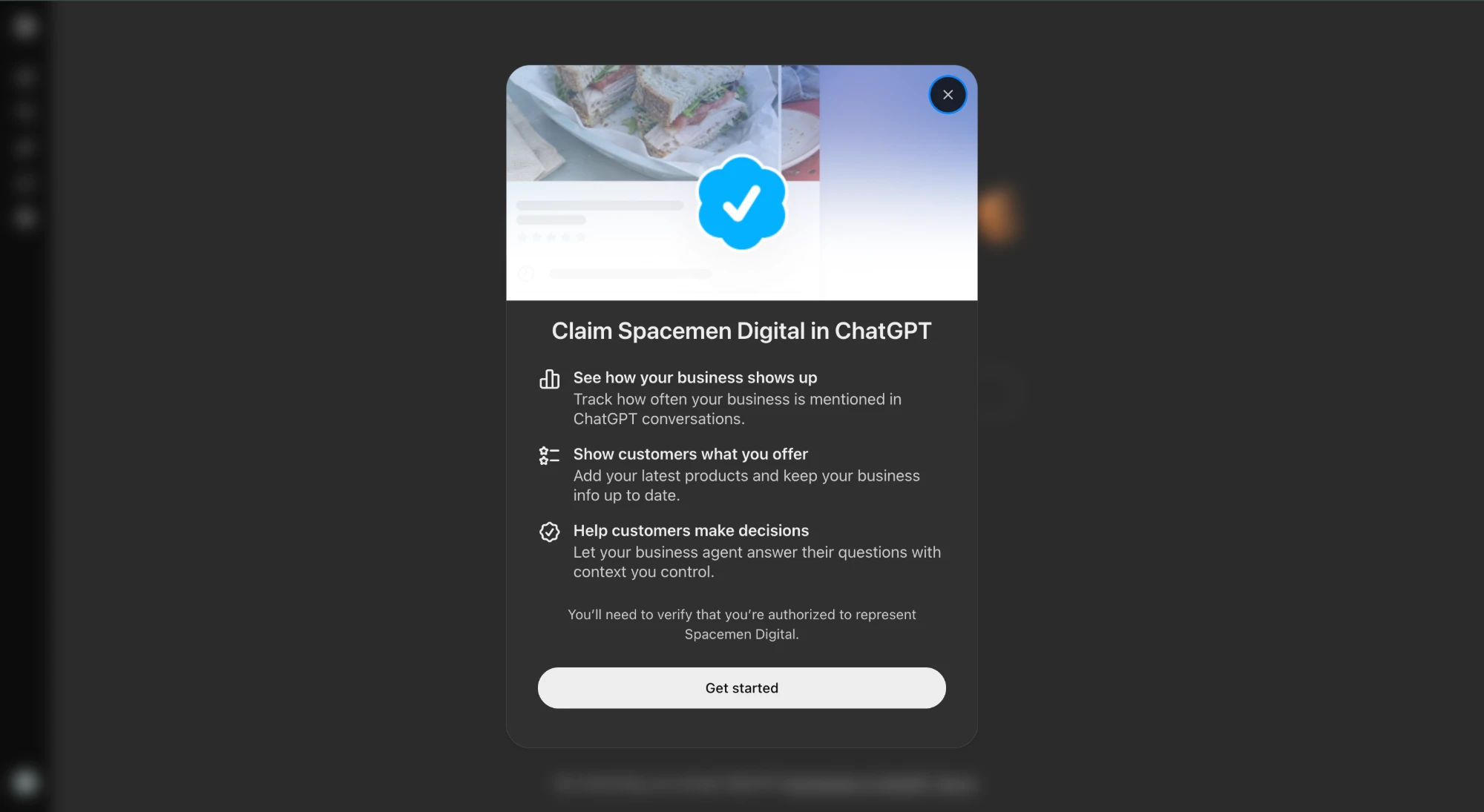
The claim screen, confirming you are authorised to represent the business. Screenshot: Spacemen Digital. -
Complete identity verification and manage your profile
Complete Persona identity verification to publish business updates, access insights and receive the verified business badge. You can then keep your services, description and website details up to date.
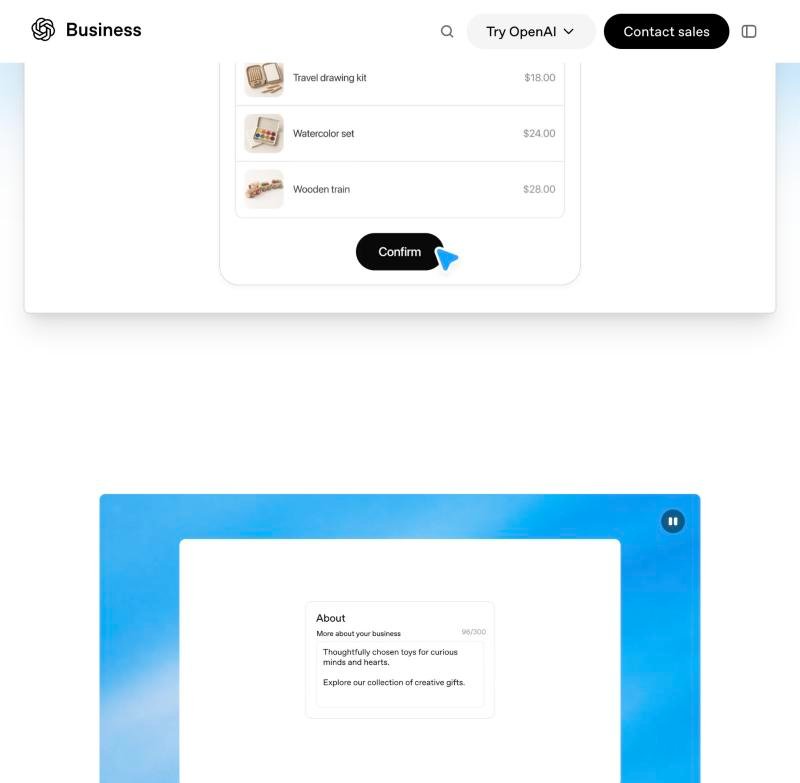
Managing your business information and services inside ChatGPT. Source: openai.com
What you can do once your business is claimed
- Manage business information, services and website details so ChatGPT stays accurate.
- View aggregated insights into business mentions and website clicks from ChatGPT.
- Help customers discover accurate information about your business.
- Explore Business Agents when your business becomes eligible.
Claiming is step one, not the finish line
Claiming puts accurate information in front of ChatGPT. It does not, on its own, make ChatGPT recommend you over competitors. That is a separate discipline, Answer Engine Optimization (AEO): building the entity signals, citations and structured data that make AI models trust and suggest your brand. If you want ChatGPT to actually name you as the answer, the claimed profile is the foundation you build that on — see our ChatGPT business profile optimisation service.
Want us to claim and optimise it for you?
Spacemen Digital claims, verifies and optimises your ChatGPT business profile, then builds the AEO signals that get ChatGPT to recommend you.
See our ChatGPT optimisation service →Frequently asked questions
Is claiming a business on ChatGPT free?
Claiming your listing is available to eligible businesses in supported locations at no stated cost. You verify ownership and complete identity verification to publish updates and access insights.
Does claiming rank my business higher in ChatGPT?
No. OpenAI states claiming does not guarantee higher placement. It lets you manage accurate information and see insights; being recommended depends on your wider authority and AEO signals.
Is Businesses in ChatGPT available in India?
Claiming is available to eligible businesses in supported locations, subject to verification. Business Agents are currently limited to eligible US ecommerce and online service businesses, so check your eligibility in the Business Hub.
How long does verification take?
After you submit ownership verification (email, phone or DNS) and complete Persona identity verification, OpenAI reviews the claim. Review times vary, so submit accurate details and the strongest verification method you can.
What is the difference between claiming and optimising?
Claiming makes your information accurate. Optimising, through Answer Engine Optimization, builds the authority and citations that make ChatGPT actually recommend you. We handle both.